
HidSim Help Center
How do I pay using Telegram Stars?
Purchasing credits through Telegram is a simple two-step process:You purchase Stars via the official @PremiumBot in Telegram using your card (or Google Pay, Apple Pay, or other supported met
Share exact answers
Each answer has a dedicated URL that opens with the right question expanded.
Fast SMS delivery
Codes appear in your web or app activation screen as soon as they arrive.
Clear refunds
Cancel an activation when no code arrives and the balance returns automatically.
Privacy first
Use temporary numbers instead of exposing your personal phone number.
Frequently asked questions
21 answers available
Purchasing credits through Telegram is a simple two-step process:
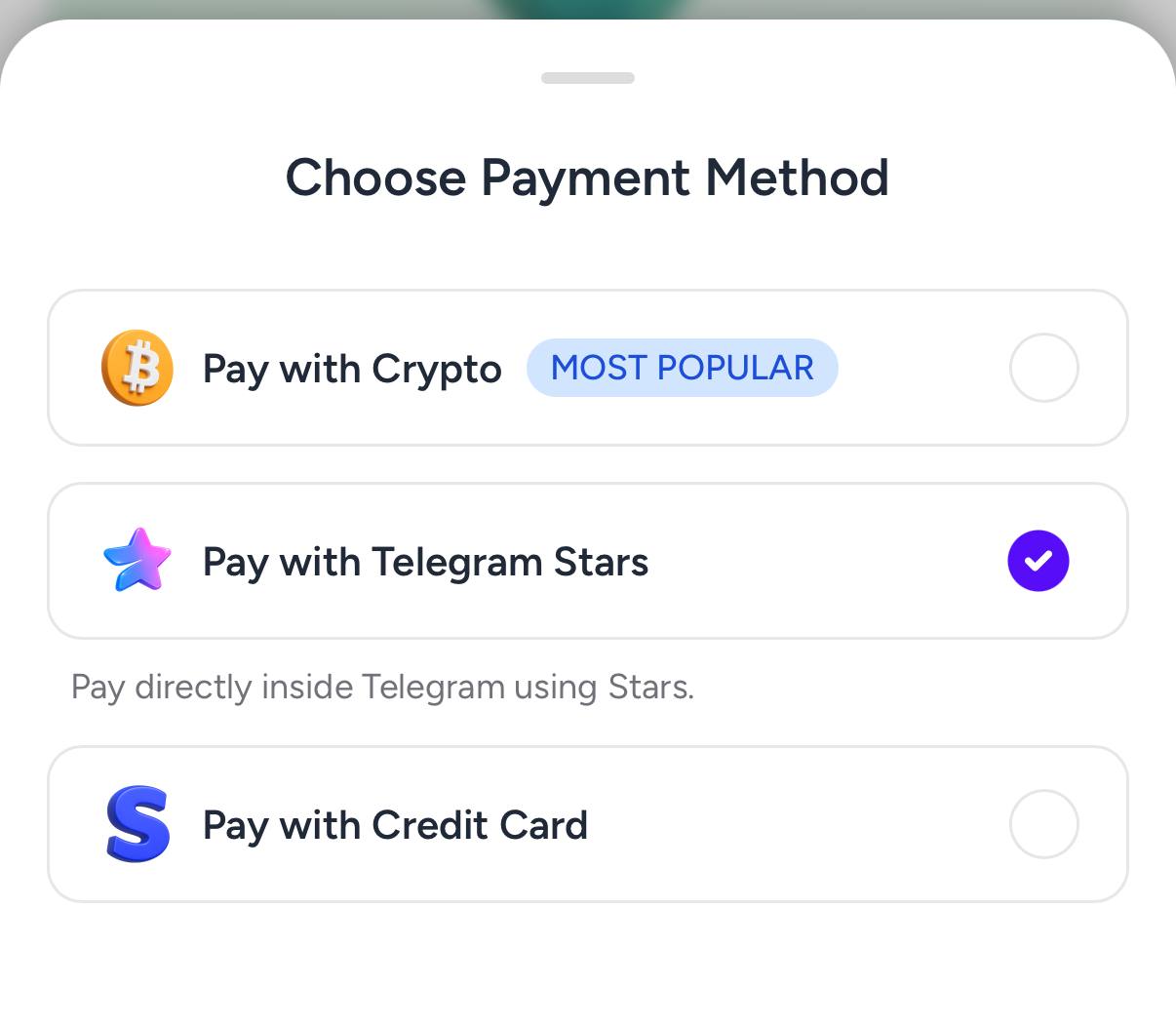
Step 1: Create the order on HidSim
Open the purchase page, choose your package, and select Pay with Telegram Stars. This generates a Telegram invoice link for your order.
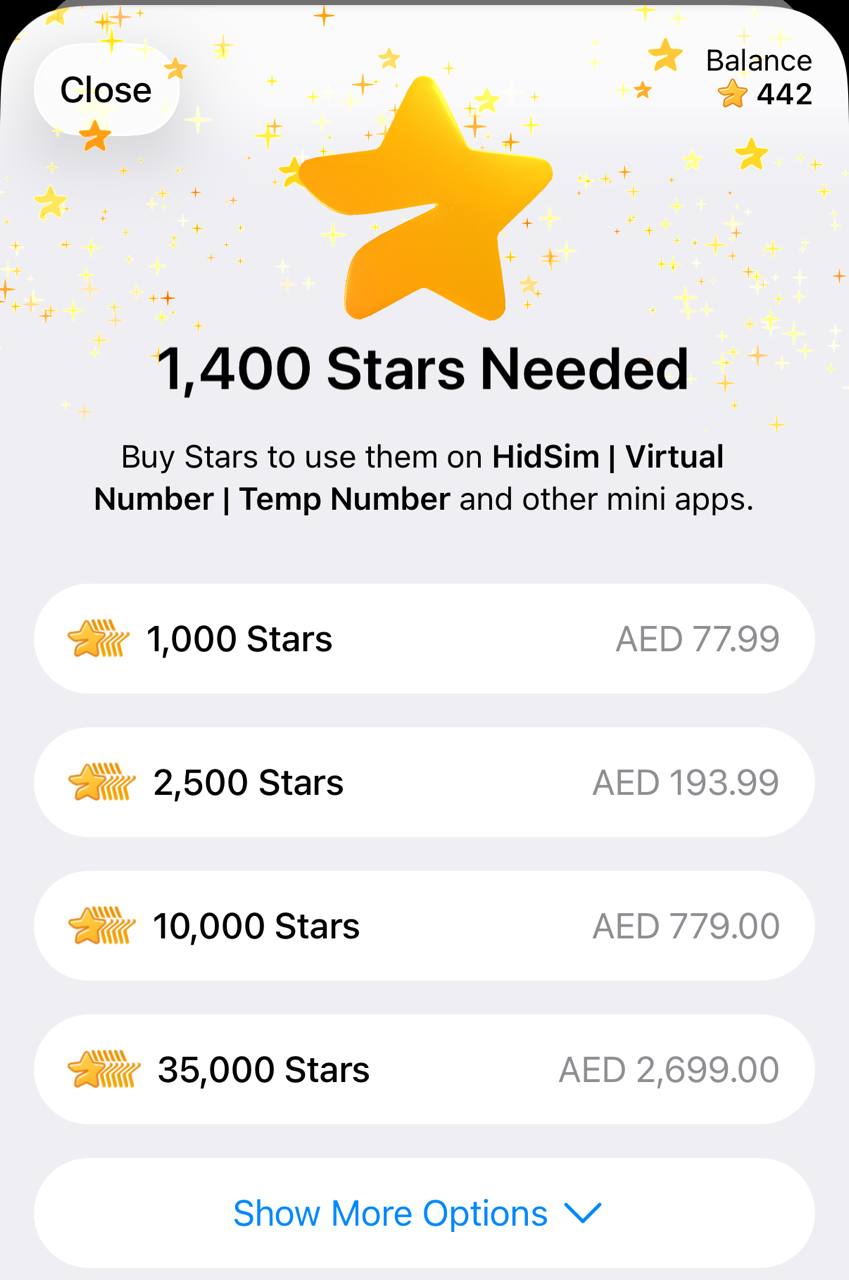
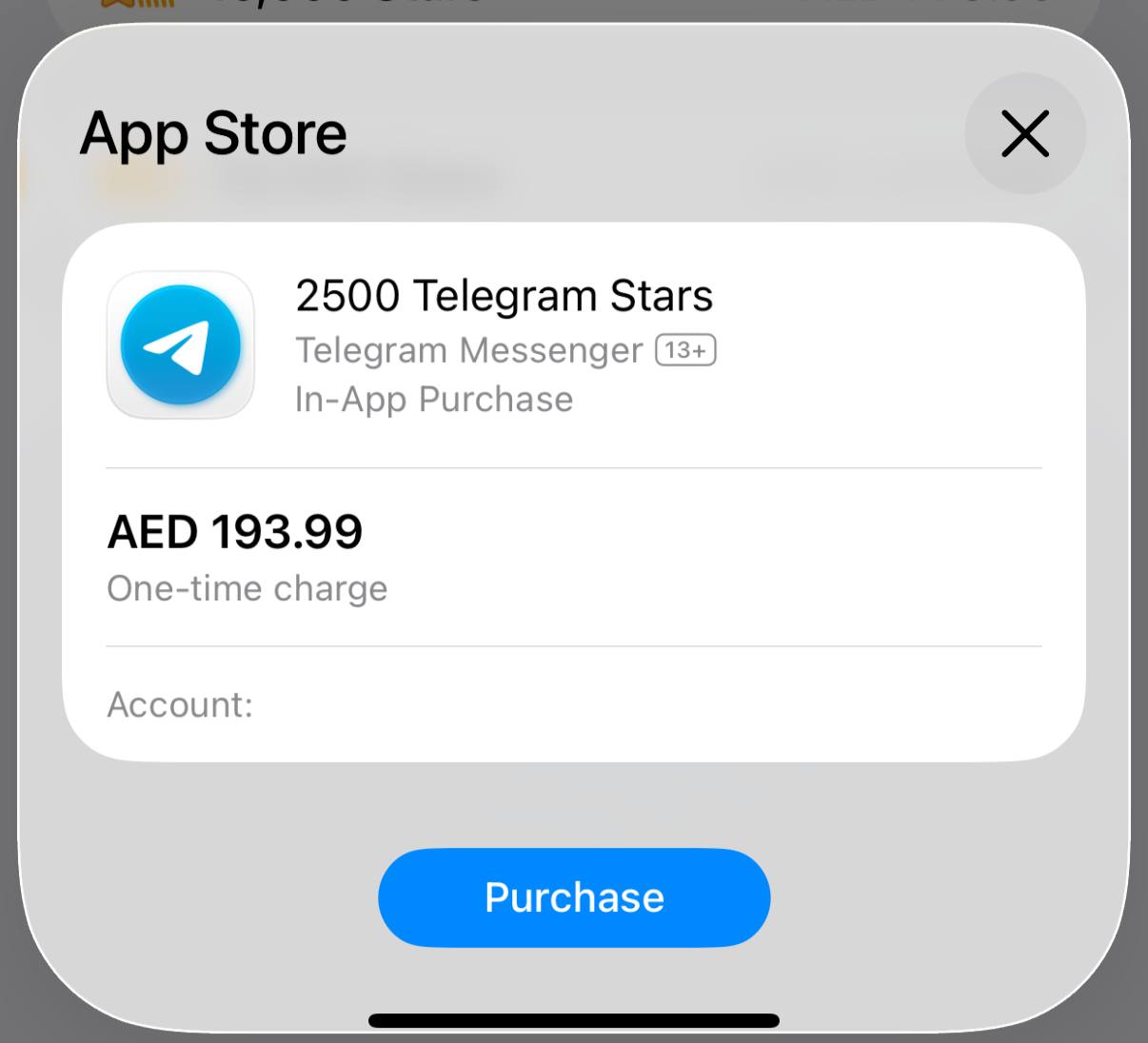
 Step 2: Buy Stars in Telegram
In Telegram, buy the required Stars using your preferred payment method. If you already have enough Stars, you can skip this step.
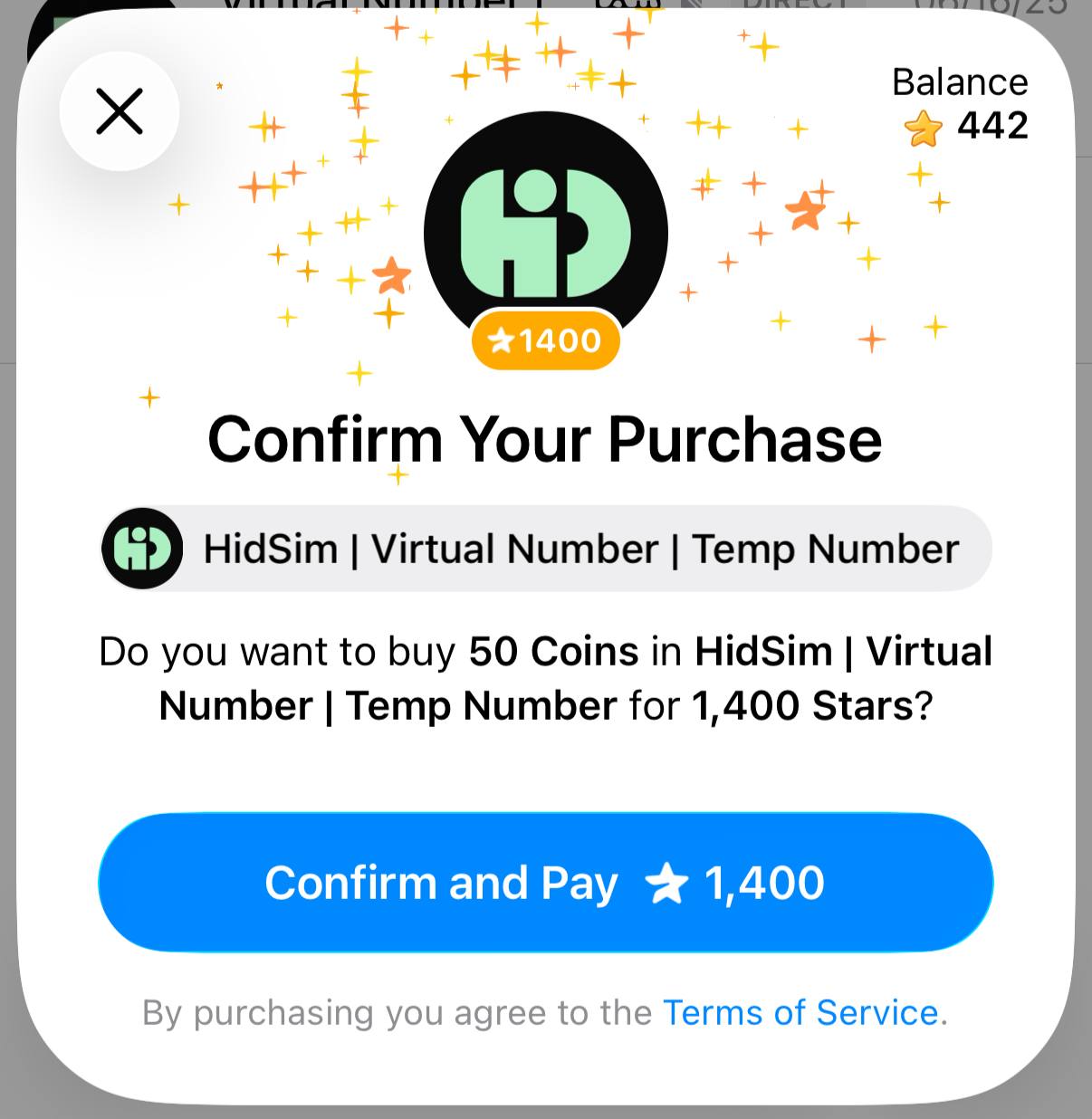
 Step 3: Pay our bot with Stars
Return to the invoice and confirm payment. This step is required to finalize the order and credit your HidSim balance.
Tips
This payment method does not auto-renew. If credits still do not appear, please contact support by email.
- You purchase Stars via the official @PremiumBot in Telegram using your card (or Google Pay, Apple Pay, or other supported methods).
- You use those Stars to pay our bot and complete the HidSim credit purchase.
Step 1: Create the order on HidSim
Open the purchase page, choose your package, and select Pay with Telegram Stars. This generates a Telegram invoice link for your order.
In Telegram, buy the required Stars using your preferred payment method. If you already have enough Stars, you can skip this step.
Return to the invoice and confirm payment. This step is required to finalize the order and credit your HidSim balance.
- If your credits are not added, open Telegram settings and check My Stars to verify whether the Stars purchase completed and whether the Stars payment to our bot was confirmed.
- If card payment fails, try Apple Pay / Google Pay in the Telegram mobile app, or retry from Telegram Web.
- Telegram Stars purchases can appear more expensive than the base website price in some regions. This difference is caused by Telegram channel/payment fees (see Telegram's official Stars documentation), not an extra HidSim charge.
This payment method does not auto-renew. If credits still do not appear, please contact support by email.
Do you have any other questions?
Send our support team a ticket and we will help you with your activation, payment, or delivery question. Create a support ticket